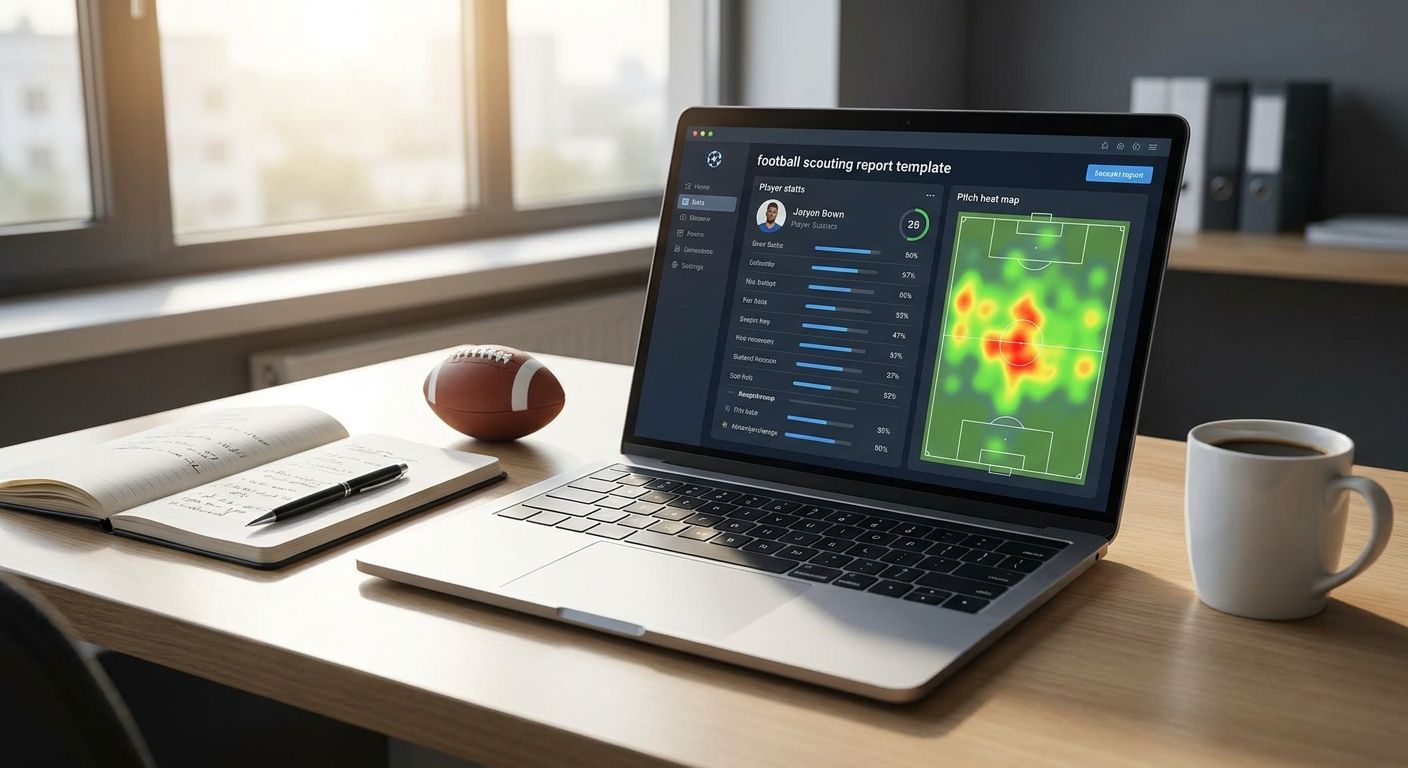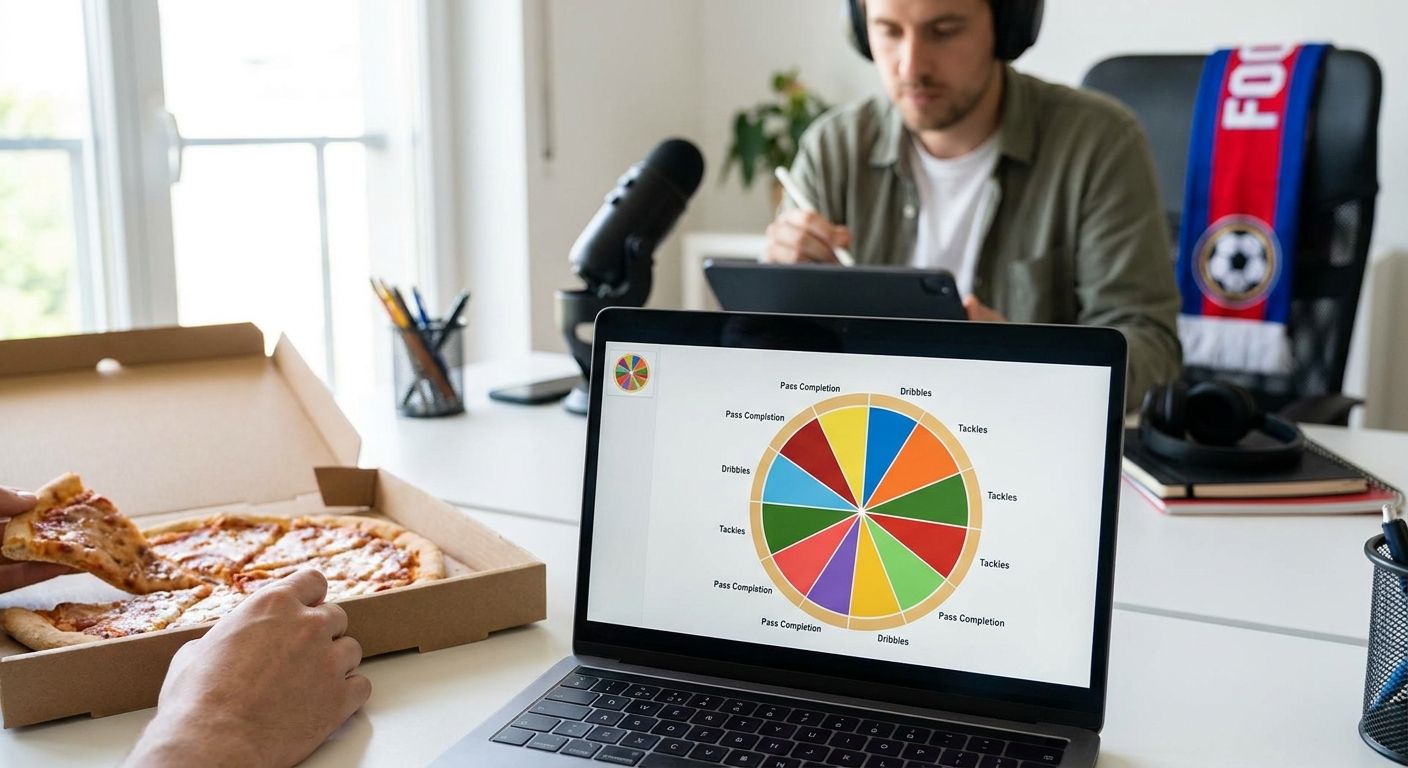
A scouting report lives or dies on whether the reader can verify the claim in ten seconds. This guide walks through building a football scouting report template with data visuals — from picking the population to shipping a chart that survives scrutiny in 2026.
- A solid football scouting report template pairs one radar or pizza chart per player with a written population and cutoff date.
- Set minutes played and position filters before picking metrics — sample size wrecks more reports than bad data.
- Per-90 and percentile normalization make cross-league comparisons defensible; raw totals do not.
- FBPlot's chart builder exports pizza and radar charts in minutes, covering 107+ leagues for scouts working outside the Top 5.
Why this matters
A scouting report without a stated population is an opinion with a chart attached. Clubs, agencies, and content teams that reject reports in 2026 usually reject them for the same reason: the reader can't tell if the player was compared against strikers, wingers, or the entire league.
A football scouting report template fixes that by forcing the same structure every time — question, population, metrics, visual, caveats. It also speeds up production. Once the template exists, building the next report is a data pull and a chart export, not a design decision.
What you'll need
- A data source with per-90 or per-match stats for the competition you're scouting — third-party providers or club data feeds both work
- A minutes/matches cutoff decided before you look at any numbers, to stop cherry-picking a hot streak
- A comparison population — same position group, similar league tier, same season window
- A chart tool that exports shareable radar or pizza charts — FBPlot's chart builder covers 107+ leagues on the Pro tier and the Top 5 leagues free
- 30-60 minutes per player if the data pull is already clean
The steps
1. Define the scouting question
Write the question before you touch a spreadsheet. "Is this a like-for-like replacement for our departing right-back" is a different report than "is this player worth a second live viewing." The question decides your population and your metrics later.
Skipping this step is the single biggest reason reports get rejected in review — the chart looks fine, but nobody agrees on what it's answering.
2. Set the population and minutes cutoff
Decide the eligibility rules up front: position, league tier, age band, and a minimum minutes threshold. A common floor is 900 minutes for a single-season sample; below that, per-90 rates swing hard on a handful of matches.
Document the cutoff date too — "data as of March 2026" tells the reader exactly how current the numbers are and protects you when a player's form shifts two weeks later.
3. Pick role-specific metrics
A winger and a centre-back need different metric sets. Progressive passes and xG assisted matter for a winger; aerial duels won and pressures in the defensive third matter for a centre-back. Six to eight metrics is usually the ceiling before a radar chart turns unreadable.
Check how data-based Premier League player ratings get built if you want a working example of metric selection by position.
4. Normalize to per 90 and percentile
Raw totals punish players with fewer minutes and reward squad players who never get rested. Convert every metric to per-90 first, then rank the player against the chosen population as a percentile.
Percentile framing is what makes a pizza chart readable at a glance — a slice at the 90th percentile means something instantly, a raw number of "4.2 progressive passes" does not without context.
5. Build the radar or pizza chart
This is where the report becomes shareable. Load the per-90, percentile-ranked metrics into a chart builder and generate the radar or pizza chart. Keep the axis order consistent across every report in the same template — attacking metrics together, defensive metrics together — so readers can compare charts from memory.
If you're scouting across multiple competitions, review how to compare players from different leagues fairly before you finalize the population — league strength adjustments change the percentile math.
6. Add context notes and caption
Every chart needs a one-line caption stating the population, the minutes cutoff, and the season. "La Liga wingers, 900+ minutes, 2025/26 season" takes eight seconds to write and answers the first question every reviewer asks.
A chart without a caption gets challenged in the meeting. A chart with one gets discussed instead.
7. Export and format for the report
Export the chart at a resolution that survives being pasted into a PDF or a Slack thread — most chart tools default to a shareable size, but check it renders cleanly at half-screen width before sending. Pair the chart with two to three sentences of written analysis, not a full page of prose.
8. Review before sending
Read the report as if you're the person who has to defend it in a meeting. Does the population match the question from step one? Does the sample size hold up? A five-minute review catches most of the errors that get a report sent back.
Build the chart in minutes
Create radar and pizza charts across 107+ leagues, free for the Top 5.
Troubleshooting
- Percentiles look inflated or deflated — check the population size. A percentile calculated against 20 players moves wildly with one outlier; widen the pool or state the small sample explicitly.
- Chart looks cluttered — cut metrics down to six or seven. Anything past eight axes on a radar chart stops being readable at a glance.
- Cross-league comparison feels unfair — league strength varies. Don't compare a Bundesliga 2 forward against a Premier League forward on raw percentile without a strength adjustment.
- Data feels stale — restate the cutoff date every time you reuse a chart. A report built in January 2026 shouldn't circulate unchanged in September.
- Reviewer keeps asking "compared to who" — that means the caption is missing or buried. Put the population statement directly under the chart, not in a footnote.
- Metrics don't match the position — a metric set built for a striker will make a full-back look poor on unrelated stats. Rebuild the metric list per role before rerunning the chart.
Tools and resources
- FBPlot for radar, pizza, bar, and scatter/swarm charts across 107+ leagues
- Comparing players from different leagues fairly for the population and strength-adjustment logic
- Data-based Premier League player ratings for a worked metric-selection example
- Tools to track Premier League running stats if physical output metrics belong in your report
What to do next
Once the template is stable, the next problem is usually reproducibility — proving the same report would come out the same way if someone else pulled the data six months later. That's a separate discipline from chart design, and it's worth building the habit early rather than retrofitting it after a report gets challenged.
FAQ
What's the best football scouting report template to use in 2026?
The best template pairs one radar or pizza chart per player with a stated population, minutes cutoff, and season date. Structure matters more than software — the same template works whether you build charts by hand or with a tool like FBPlot.
How many metrics should a scouting radar chart show?
Six to eight metrics is the practical ceiling for a readable radar chart. Past that, axes overlap and the chart stops communicating anything at a glance.
Is a pizza chart better than a radar chart for scouting reports?
Pizza charts read faster for single-player percentile summaries because each slice maps directly to a percentile rank. Radar charts work better when comparing two or three players on the same axes at once.
What minutes cutoff should I use for a scouting sample?
900 minutes in a single season is a common floor before per-90 rates get treated as reliable. Below that, one hot match can distort the whole profile.
How do you compare players from different leagues fairly in a report?
Adjust for league strength before ranking percentiles, and state the adjustment in the caption. Comparing raw per-90 numbers across leagues of different competitive levels without that step overstates or understates a player's output.
Do I need paid software to build a football scouting report?
No — free tiers covering the Top 5 leagues handle most standard reports. A paid tier only matters once you're scouting outside the major five competitions.
How much does a football scouting report tool cost in 2026?
Costs vary by provider, but several tools including FBPlot offer a free tier for major leagues, with paid plans unlocking wider competition coverage. Check current pricing directly with the provider.
What's the most common mistake in scouting report charts?
Missing population context is the most common failure — a chart without a stated comparison group invites the reviewer to reject the whole report on trust, not data.
One last thing
The fastest way to lose credibility on a scouting report isn't a wrong stat — it's an unstated one. A caption that says "La Liga forwards, 900+ minutes, 2025/26 season" under a chart takes seconds to write and stops nine out of ten follow-up questions before they get asked.