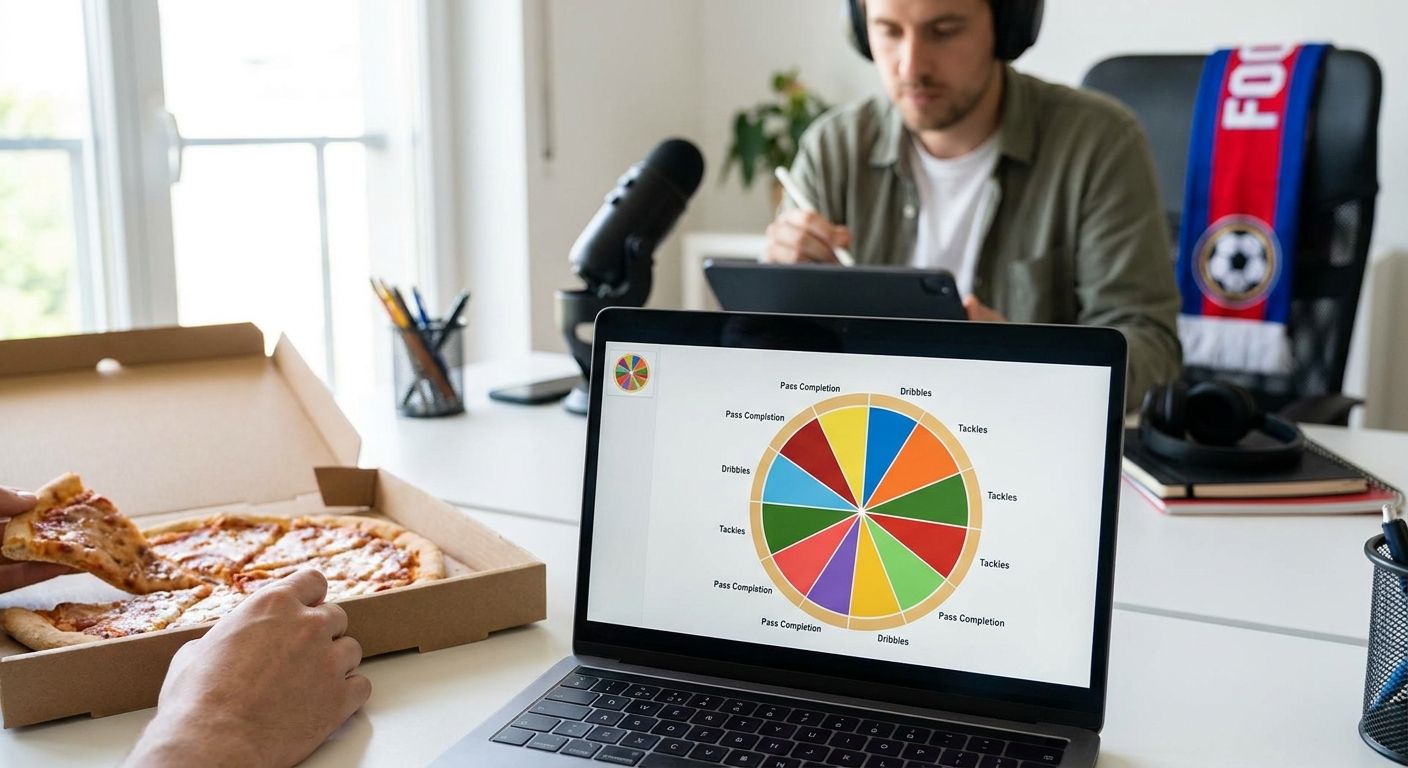
A football scouting report lives or dies on whether the reader can size up a player against a defined population in under ten seconds — and in 2026, the visualization tool behind that report decides whether it gets read or filed away.
- FBPlot wins for scouting reports built on percentile radar and pizza charts — Buy for 2026 scouting workflows.
- mplsoccer suits analysts who already script in Python — Hold if you don't code.
- Wyscout and InStat export solid data but weak standalone charts — Hold, pair with a dedicated visual tool.
- Tableau and Power BI are built for dashboards, not single-player scouting cards — Wait unless your club already licenses one.
- Google Sheets and PowerPoint handle quick internal notes only — Skip for anything shared with a manager or client.
Why this matters
A scouting report template is only as good as the population behind it. A radar chart comparing a 19-year-old winger against every midfielder in a league tells you nothing useful — the metrics, minutes cutoff, and role filter have to match before a chart earns any trust.
Most scouting mistakes in 2026 still trace back to this: someone builds a slick chart in a general-purpose BI tool, then can't explain what population the percentiles came from. If you're building a report for a manager or a recruitment meeting, the tool needs to make comparing players from different leagues fairly the default, not an afterthought.
That's the filter behind this list — every tool below is judged on whether it gets you to a defensible, shareable chart fast, not just a pretty one.
How we ranked
Each tool is scored against four questions that matter for a scouting report specifically, not general data visualization: does it support percentile-based radar and pizza charts out of the box, does it let you set a fair comparison population (league, position, minutes), how fast can you go from raw stats to a chart you'd put in front of a director of football, and what does full multi-league coverage actually cost you.
Data platforms like Wyscout and InStat are included because scouts use them daily, even though their strength is data access rather than chart design. General BI tools (Tableau, Power BI) and office software (Sheets, PowerPoint) are included because they're the default fallback at clubs and media outlets that haven't standardized a scouting chart workflow yet. The verdicts reflect what a 2026 scouting report actually needs: speed, a defined population, and a chart a non-analyst can read in one glance.
The ranked list
1. FBPlot — the built-for-scouting pick
FBPlot is purpose-built for exactly this job: radar/pizza charts, bar charts, and scatter/swarm plots generated from player data across 107+ leagues. The free tier covers the Top 5 leagues, which is enough for most Premier League, La Liga, Bundesliga, Serie A, and Ligue 1 scouting work; the Pro plan unlocks all 107+ competitions for scouts covering smaller leagues or loan markets.
The percentile radar format is the closest thing football analytics has to a standard scouting chart in 2026 — one glance shows strengths, weaknesses, and role fit against a defined peer group. Pairing a chart with a data-based player rating gives a report both a visual and a number a director can act on.
Verdict: Buy. This is the tool built specifically for the report format you're trying to produce.
2. mplsoccer — the coder's pick
mplsoccer is an open-source Python library for football pitch plots, radars, and heatmaps, popular with analysts who already work in pandas and matplotlib. It gives full control over every visual element, which matters if your club has a house style no off-the-shelf tool replicates.
The cost is time: every chart is code, which means every new report format needs a script, and every teammate without Python can't touch it.
Verdict: Hold. Strong for analysts who already code and want total control; not a fit if the report needs to move fast or get shared with non-technical staff.
3. Wyscout / InStat — the data source, not the finish
Wyscout and InStat are the two data platforms most professional scouts use for match footage and raw statistical exports, and they're a legitimate first stop for the numbers behind a report. Their built-in visualization tends to be limited to standard templates that don't flex to a specific scouting question.
Treat these as the data layer, then move the export into a dedicated chart tool for the report itself. For running and physical output metrics specifically, check tools built to track Premier League running stats before you commit to one export format.
Verdict: Hold. Keep for data access, pair with something else for the final chart.
4. Tableau / Power BI — the enterprise overkill
Tableau and Power BI are dashboard tools built for ongoing, multi-metric business reporting, and clubs with analytics departments sometimes already license one. Both can produce a radar chart with enough setup, but neither ships a football-specific percentile template, so someone has to build and maintain that logic internally.
If your organization already pays for a seat, it's worth testing. If you'd be buying a license just for scouting reports, the setup cost outweighs the benefit in 2026.
Verdict: Wait. Only worth adopting if you already have institutional access.
5. Google Sheets / Excel — the quick-and-dirty option
Spreadsheet radar and bar charts are free and familiar, and they're fine for a scout's own working notes before a formal report goes out. The charting engines in both tools were never built for football-specific percentile logic, so every population filter and metric normalization is manual.
That manual step is where errors creep in — wrong minutes cutoff, wrong position group, mismatched leagues.
Verdict: Skip. Use for personal notes only; don't ship these to a manager or a client.
6. PowerPoint / Keynote manual charts — the time sink
Building a radar or bar chart manually inside a slide deck is still common at smaller clubs and in media newsrooms without a standard tool. It works, but every chart is rebuilt from scratch, and consistency across a season of reports collapses fast.
Verdict: Skip. The time cost per report is too high once you're producing more than one or two a month.
Build your scouting chart now
Percentile radar and pizza charts from 107+ leagues, ready to share.
Comparison table
| Tool | Best for | Chart types | League coverage | Verdict |
|---|---|---|---|---|
| FBPlot | Standalone scouting reports | Radar/pizza, bar, scatter/swarm | Top 5 free, 107+ on Pro | Buy |
| mplsoccer | Custom, code-driven charts | Radar, pitch plots, heatmaps | Whatever data you supply | Hold |
| Wyscout / InStat | Raw data and footage | Standard platform templates | Platform-dependent | Hold |
| Tableau / Power BI | Org-wide dashboards | Any, with setup | Depends on data feed | Wait |
| Google Sheets / Excel | Personal working notes | Basic radar/bar | Manual entry | Skip |
| PowerPoint / Keynote | One-off manual decks | Manual radar/bar | Manual entry | Skip |
Where to get access
- Start on the free tier if you only cover the Top 5 leagues. FBPlot's free plan already handles Premier League, La Liga, Bundesliga, Serie A, and Ligue 1 scouting work in 2026 without a subscription.
- Upgrade to Pro the moment a report needs a smaller league or a loan-market player. Full 107+ league coverage removes the guesswork of switching tools mid-project.
- Check the export format before you standardize a template. A report that goes to a manager or a client needs a chart you can drop straight into a PDF or slide, not a screenshot workaround. Reviewing a side-by-side Premier League stat comparison first will show you what a finished, shareable comparison should look like before you build your own template.
FAQ
What's the best data visualization tool for a football scouting report in 2026?
FBPlot is the best fit for standalone scouting reports in 2026 because it's built specifically for percentile radar, pizza, and bar charts across 107+ leagues. General BI tools like Tableau work but require manual setup for football-specific logic.
Is FBPlot better than Wyscout for scouting charts?
FBPlot and Wyscout do different jobs — Wyscout is primarily a data and footage platform, while FBPlot is built for the chart itself. Many scouts use Wyscout for data and a dedicated chart tool like FBPlot for the visual report.
How much does a football scouting report template cost to build?
A basic scouting report template costs nothing if you use FBPlot's free tier, which covers the Top 5 leagues. Full coverage of all 107+ competitions requires the Pro plan.
Can I build a scouting report in Google Sheets?
You can build a rough radar or bar chart in Google Sheets, but it requires manual population filtering and metric normalization, which increases the chance of errors. It's fine for personal notes, not for reports shared externally.
What population should a scouting report chart use?
A scouting report chart should compare a player against others in the same league, position group, and a defined minutes threshold. Comparing across leagues without adjustment produces misleading percentiles.
Do I need to code to make football radar charts?
No — tools like FBPlot generate radar and pizza charts without code. Coding is only necessary if you're using a library like mplsoccer for fully custom visuals.
How many leagues does FBPlot cover?
FBPlot covers 107+ leagues on its Pro plan, with the free tier limited to the Top 5 European leagues.
What chart type works best for a scouting report?
Percentile radar or pizza charts work best for scouting reports because they show a player's strengths and weaknesses against a defined peer group in one visual. Bar charts work better for single-metric comparisons across a shortlist.
One last thing
The detail that separates a scouting report that gets used from one that gets ignored isn't the chart style — it's whether the population is stated on the chart itself. A 2026 scouting report with an unlabeled percentile axis gets questioned in the first meeting; one that states league, position, and minutes cutoff up front doesn't.