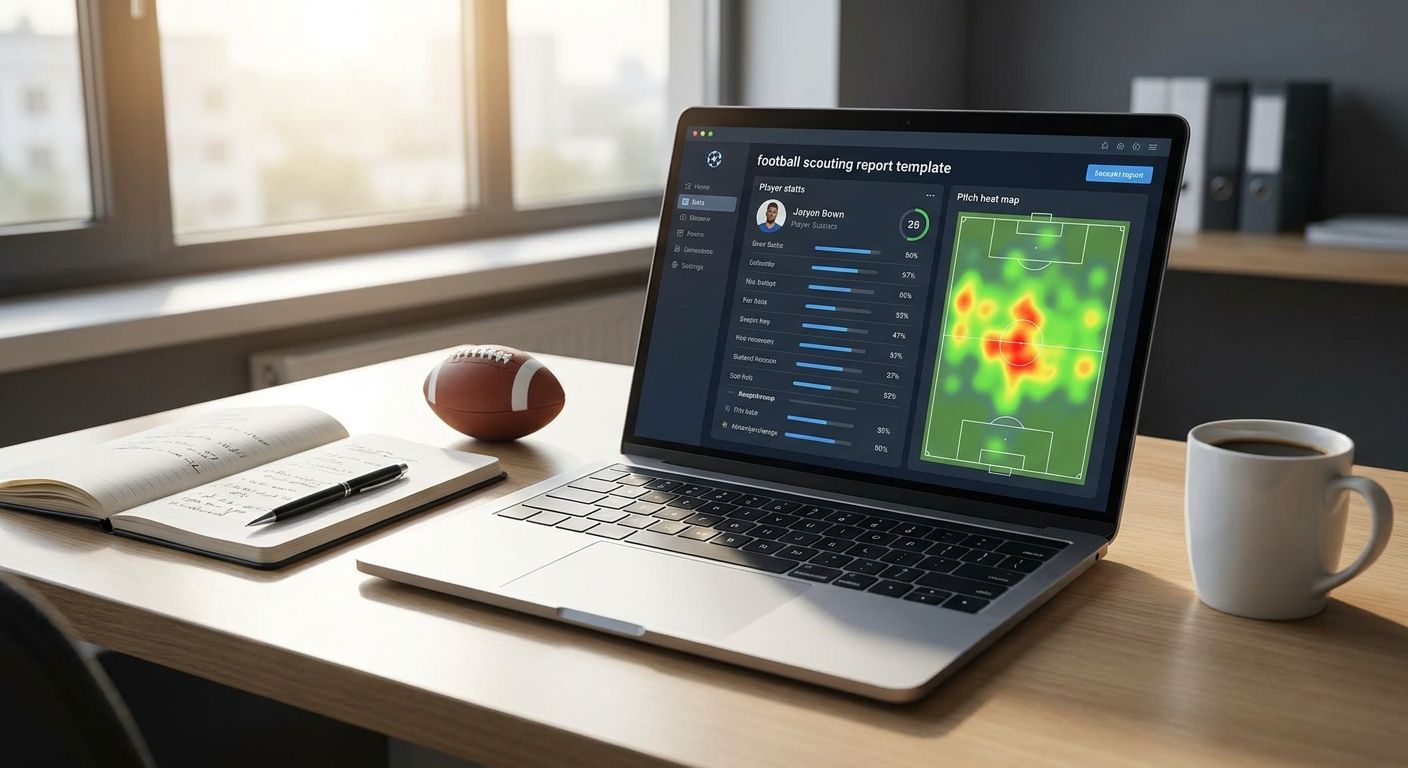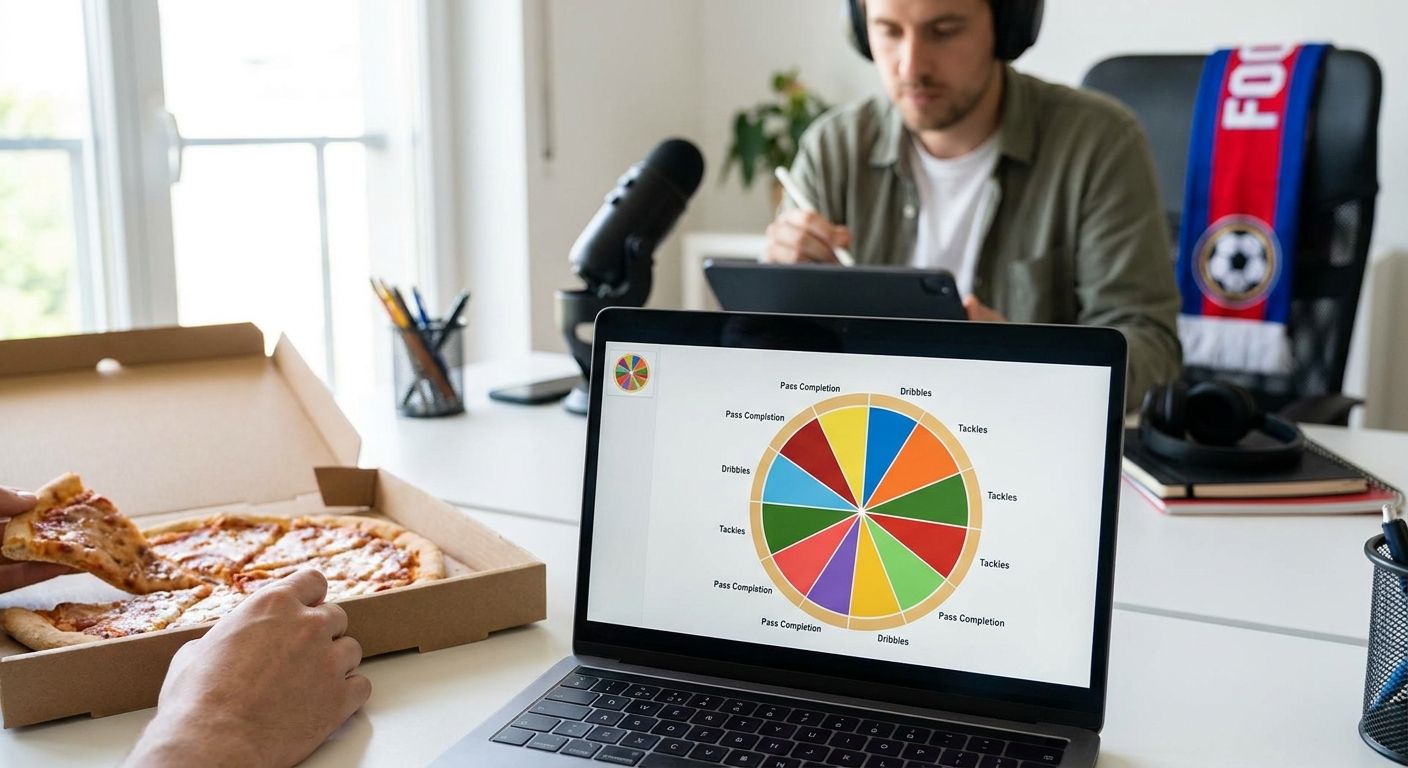
Comparing Champions League player stats side by side only works when you control for role, minutes, and competition strength first — skip that step and the radar chart tells the wrong story before anyone reads a number off it.
- Normalize every metric to per 90 before running a champions league player stats comparison.
- Match position templates: a striker's radar against a full-back's radar isn't a comparison, it's noise.
- Champions League data sits outside FBPlot's free Top 5 leagues tier — the Pro plan unlocks all 107+ competitions.
- Flag any player under roughly 450 league-phase minutes before drawing a conclusion from the chart.
- Caption every chart with the data cutoff date and population so the comparison holds up in 2026.
Why this matters
The Champions League moved to a 36-club league phase in the 2024/25 season, and that structure carries into 2026: eight league-phase matches against eight different opponents, then a straight knockout bracket. Players you're comparing might have faced completely different levels of opposition inside the same competition, which is exactly the kind of context a raw stats table hides and a well-built chart exposes.
A champions league player stats comparison built on totals alone rewards minutes played, not quality. Build it in FBPlot with per-90 or percentile metrics instead, and the chart shows who actually performed better relative to a fair population — not who started more games.
What you'll need
- A defined comparison window: league phase only, knockout rounds in 2026, or a full-season aggregate
- Per-90 or percentile metrics for the position group, not raw totals
- A same-role population to compare against — forwards against forwards, not forwards against wing-backs
- Confirmed minutes or appearance counts for every player in the comparison
- Access to Champions League data across the 107+ leagues FBPlot covers, which sits behind the Pro plan since the free tier only unlocks the Top 5 domestic leagues
The steps
1. Pick your comparison window
Decide whether you're comparing the eight-game league phase, the knockout rounds, or a full-season aggregate through 2026. Mixing windows is the single most common reason two players who look similar on paper end up on opposite ends of a radar. A player with two knockout goals and a player with six league-phase goals aren't describing the same sample, even when the season label matches.
Expected outcome: one written window that every metric in the chart obeys. Common mistake: pulling league-phase minutes but knockout goals.
2. Match position and role before anything else
A striker's radar against a full-back's radar isn't a comparison, it's noise — the metric sets don't overlap and the shapes never mean anything side by side. Use the same role template for every player in the chart: wide forward against wide forward, holding midfielder against holding midfielder.
Expected outcome: identical axes for both players. Common mistake: comparing a hybrid role player against a specialist without flagging it.
3. Convert everything to per 90
Raw totals mislead the moment two players have different minutes. A player with 720 Champions League minutes and one with 270 will never compare fairly on goals or progressive passes as totals — divide by 90-minute units first and the comparison becomes honest.
Expected outcome: every axis reads per 90 or percentile, never a count. Common mistake: leaving one counting stat, like total goals, on an otherwise per-90 radar.
4. Choose a percentile population that fits the question
Percentile rank only means something relative to a defined group. Rank a Champions League forward against all forwards in Europe's Top 5 leagues if the question is how he compares broadly, or against Champions League forwards only if the question is how he did in this competition. State which population you used — it changes the chart.
Expected outcome: a population you can name in one sentence. Common mistake: using the default population without checking what it contains.
5. Build the radar or pizza chart
Enter the players, lock the position template, and select the per-90 or percentile metric set inside FBPlot's chart builder. The tool pulls data across 107+ leagues, so a Champions League comparison that also needs a player's domestic form for context is a single chart rather than two separate lookups.
Expected outcome: one shareable chart with matched axes. Common mistake: stacking more than eight metrics onto a radar until no shape is readable.
6. Check the minutes threshold before you trust the shape
A player under roughly 450 minutes — about five full matches — in the comparison window can post an extreme per-90 number off a tiny sample. Flag it on the chart or exclude the player rather than let one hot game distort the whole radar.
Expected outcome: every plotted player clears your stated minutes floor, or carries a visible caveat. Common mistake: treating a 180-minute breakout as evidence.
7. Caption with the data cutoff and population
Write the cutoff date, the competition window, and the population directly on the chart. A champions league player stats comparison without a stated cutoff can't be checked by anyone who reads it later in 2026.
Expected outcome: a caption someone else could use to rebuild your chart. Common mistake: publishing the chart and keeping the filters in your head.
“A radar comparing a striker to a full-back isn't a comparison, it's noise.”
Troubleshooting
- Radar looks skewed toward one player. You're plotting totals instead of per-90 rates. A minutes gap does this every time.
- Chart flattens into a shapeless blob. The two players sit in different roles. Rebuild with a matching position template.
- Percentile ranks look identical across very different players. The population is too broad. Narrow it to a specific competition, role and minutes floor.
- Champions League data won't load. The free tier covers the Top 5 domestic leagues only — Champions League falls under the Pro plan's 107+ league coverage.
- Comparison mixes competitions unintentionally. Filter by competition and cutoff date before pulling metrics, not after the chart is built.
- One small-sample player dominates the chart. Apply the 450-minute check from step 6 and exclude or flag that player before publishing.
Tools and resources
- FBPlot for the radar, pizza, bar and scatter charts themselves, with per-90 and percentile metrics across 107+ leagues
- Minutes and appearance data for the exact window you picked in step 1
- A written note of the population and cutoff date, so the chart is reproducible in 2026 and beyond
- For domestic-form context alongside the European numbers, a Premier League player stats comparison built on the same role template
Build the chart now
Compare Champions League players with per-90 and percentile metrics in minutes.
What to do next
Once the Champions League comparison holds up, check whether the same players' domestic form tells a different story. A striker can top a knockout-round radar in 2026 and still sit mid-table on league percentile — that's a separate chart, not a footnote, so build it rather than assume the European numbers speak for the whole season.
FAQ
What's the best way to do a champions league player stats comparison?
Match position templates, convert every metric to per 90, and compare against a stated population before charting. Raw totals across different minutes and roles produce a misleading radar every time.
Is per 90 better than raw totals for Champions League stats?
Yes, per 90 is better whenever players have different minutes, which is nearly always the case across an eight-game league phase. Totals reward playing time, not performance.
How much Champions League data does FBPlot cover?
FBPlot covers data across 107+ leagues on its Pro plan, which is where competitions beyond the Top 5 domestic leagues sit. The free tier covers the Top 5 leagues only.
How many minutes are enough to trust a Champions League stat comparison?
Treat anything under roughly 450 minutes, about five full matches, as a small sample. Flag or exclude those players rather than let one strong game skew the chart.
Should I compare a striker's stats to a midfielder's in the same radar?
No. A radar comparing different roles produces no meaningful shape because the underlying metric sets don't overlap. Match position templates first, then chart.
What's the difference between league-phase and knockout Champions League stats?
League-phase stats cover eight matches against eight different opponents under the 36-club format; knockout stats come from a smaller single-elimination sample. Mixing the two windows in one comparison distorts the read.
Can I compare Champions League players against their domestic league form?
Yes, as long as you state which population and competition each set of numbers comes from. FBPlot pulls both European and domestic-league data, so the comparison lives in one chart instead of two tools.
Why does my Champions League radar chart look flat or compressed?
A flat radar usually means the percentile population is too broad or the players sit in mismatched roles. Narrow the population to the specific competition and role, then rebuild.
One last thing
The most common mistake in a Champions League player stats comparison isn't a wrong metric — it's an unstated population. Two analysts can pull identical per-90 numbers in 2026 and reach opposite conclusions because one ranked against Champions League forwards only and the other against every forward in Europe's Top 5 leagues. Write the population on the chart, every time, or the comparison is reproducible by nobody but you.